 Written by Patrick Balfe
 Researched by Tokyo Cheapo
You’ve just touched down, and you’re itching to show everyone back home what they’re missing (or more likely, find the way to your hotel). But wait. You see the dreaded infinite loading circle, and you know you need to connect to Wi-Fi fast — where do you start?
While it’s getting better, Japan still isn’t super connected when it comes to free public Wi-Fi. Here’s where to find it, how to connect to each service, and — since public networks come with risks — how to stay safe while you’re on them.
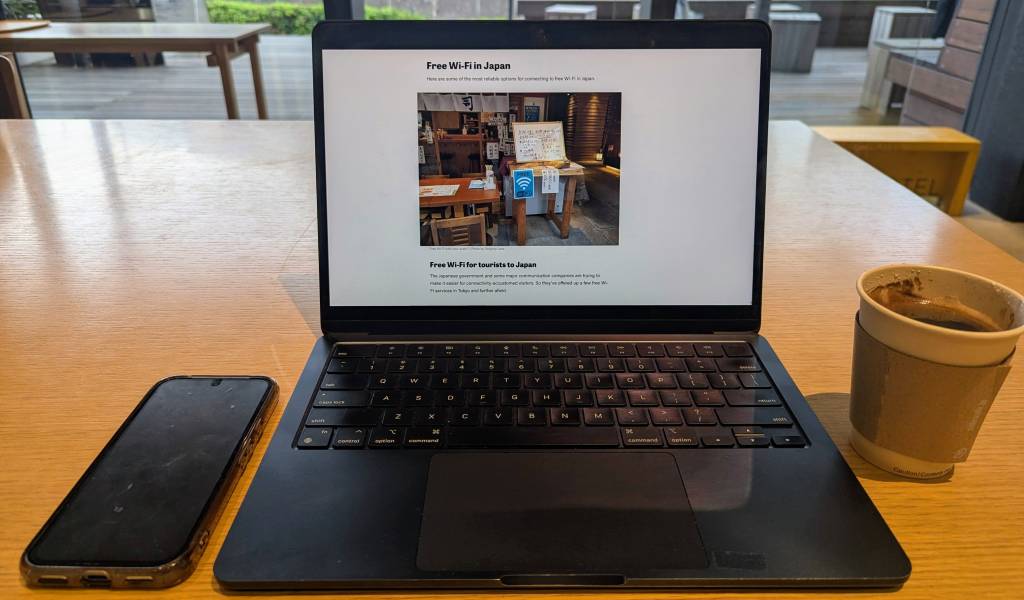
Free Wi-Fi in Japan
Here are some of the most reliable options for connecting to free Wi-Fi in Japan.
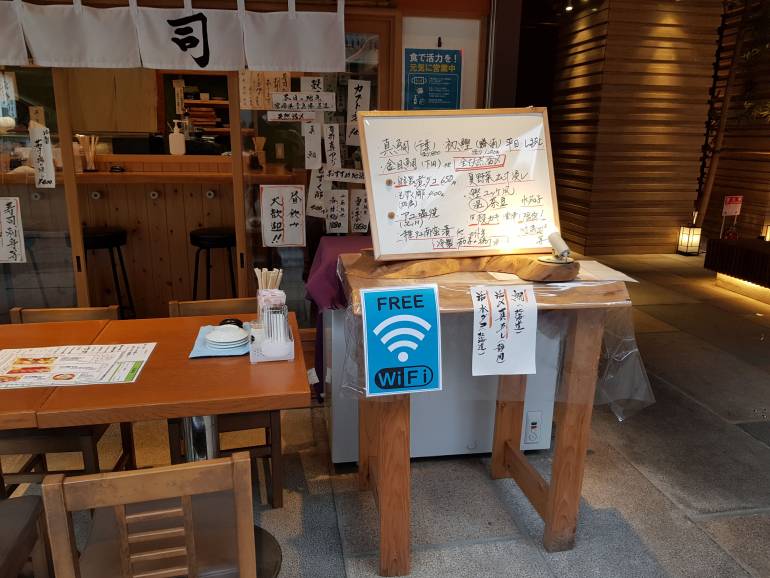
Free Wi-Fi for tourists to Japan
The Japanese government and some major communication companies are trying to make it easier for connectivity-accustomed visitors. So they’ve offered up a few free Wi-Fi services in Tokyo and farther afield.
- Japan. Free Wi-Fi: A government-backed signpost program — the logo marks airports, railway stations, buses, museums, and other tourist spots that offer free Wi-Fi. How to connect: follow the sign and join the network it points to; some operators ask for a quick email registration.
- Japan Wi-Fi Auto-Connect: A free app that aggregates many separate free Wi-Fi networks — train stations (JR and subway), airports, convenience stores, and cafés around Japan, with OpenRoaming support. How to connect: download the app (Android or Apple), register once, and it connects automatically after that.
- SoftBank’s Free Wi-Fi Passport: Free hotspot access for overseas visitors at restaurants, cafés, stations, and hotels across Japan. How to connect: choose the Free Wi-Fi Passport network, register with your mobile number to receive a password, and you’re set for two weeks (renewable, up to five devices).
- Freespot: Found at around 12,000 cafés, hotels, restaurants, and public facilities in Japan. How to connect: join the FREESPOT network; some locations ask for email authentication first.
Most of these networks make you register through a sign-in page in your browser first. Get through that, then switch on your VPN — it can’t connect until you’re past the login screen.
Wi-Fi on trains
Don’t count on the subway: Tokyo Metro ended free Wi-Fi on its trains back in June 2022, and as of July 2026 the Metro Free Wi-Fi service in stations is suspended too, for equipment upgrades, with no restart date announced.

Overground trains such as limited-express trains, rapid airport trains (like the Skyliner), and most Shinkansen lines will have free Wi-Fi access (though connection can be very spotty — we have never been able to edit an article while on the bullet train!).
How to connect: simply join the on-board network and enter an email address.
If you’re catching up on work email on the move, that’s also when a VPN matters most — you’re sharing the network with a whole carriage of strangers.
Local trains are unlikely to provide internet, but many big stations will have some form of Wi-Fi. The main stations you’re likely to find internet are ones operated by JR East, Keiō, Keisei, Tōbu, and Seibu.
Cafés and convenience stores with free Wi-Fi
While we recommend exploring the independent local cafés that offer free Wi-Fi in Tokyo, sometimes you just need a place with internet — or, like a lot of Tokyo remote workers, the café is your office.
Starbucks and convenience-store chain Lawson both offer free Wi-Fi and can be found almost everywhere.
One to cross off your list: 7-Eleven ended its free Wi-Fi service (7SPOT) back in 2022, so Lawson and FamilyMart are your convenience-store bets.

FamilyMart stores carry d Wi-Fi, NTT Docomo’s public Wi-Fi service — guest access is free for short sessions (up to an hour at a time), though you’ll need to register.
Pro tip: If you’re out and about and looking for a nearby café with Wi-Fi, apps like Japan Wi-Fi Auto-Connect show a map of spots around you.
Hotel Wi-Fi in Japan
Your hotel or vacation rental probably has some kind of free Wi-Fi or internet (a few older places still supply LAN cables, so bring an adapter if you need one). But you can’t be certain — it is still possible to encounter a hotel with not a lick of internet. Especially in the case of ryokan and more local family-run type inns, and especially in the rural areas (of Tokyo or elsewhere). So just double-check to be sure.
Is public Wi-Fi safe?
Free public Wi-Fi in Japan is convenient, and generally safe, but it can come with a few risks: fake hotspots that mimic real network names, data interception on unencrypted connections, and the occasional redirect to a malicious site. A few simple habits go a long way:
- Check the network name before connecting — scammers set up lookalike hotspots, so match it against signage or ask staff.
- Be careful with the sensitive stuff — banking and important logins are safest on mobile data. If you have to use public Wi-Fi, turn on your VPN first.
- Use a VPN — it encrypts your traffic so others on the network can’t read it, and masks your IP address for better privacy.
We’ve compared some of the big names in our guide to VPNs for Japan, and NordVPN is one of our top recommendations. Set it up before your flight: it only takes a couple of minutes at home, while airport Wi-Fi sign-in pages can be slow — and the VPN can’t connect until you’re past them.
If a hotel or café network blocks VPN connections, switch NordVPN to its NordWhisper protocol in the app settings. It can connect on networks that typically filter out VPNs.
When to switch on a VPN
A few everyday moments in Japan when it’s worth having a VPN on:
- At the airport — booking a hotel or train ticket on open airport Wi-Fi? The VPN encrypts the session, so your login and payment details stay private from others on the network.
- At stations and cafés — if you accidentally join a lookalike network, NordVPN’s Threat Protection Pro (included in its Plus plan and above) blocks known malicious and phishing sites before they load.
- Working from a café — for Tokyo’s many remote workers, it keeps client files and work email private on a network you’re sharing with strangers.
- At home in a share house — share houses and apartments with internet included run on a shared network, much like a hotel, so the same precautions apply.
- Checking your bank back home — connecting through a server in your home country helps the login look familiar to your bank, so you’re less likely to trip a security check.
Paid Wi-Fi in Japan
Some paid options for getting connected.
Renting a pocket Wi-Fi
Mobile internet routers — often referred to as “pocket Wi-Fi” — are mobile hotspots that let several devices share one connection. Because your phone or laptop connects to the router’s own password-protected network instead of directly to a café or hotel network, you also get better privacy than on free public Wi-Fi.
For an extra layer of security, a VPN like NordVPN will encrypt your traffic and mask your IP address.
In most cases, you can pick a rental Wi-Fi router up and return it at the airport. Prices vary, but expect about ¥1,000 a day for the first few days, and a lower rate after that.
Alternatively, consider a data eSIM or SIM card
More than a handful of companies offer data eSIMs and SIM cards for tourists and business travelers to Japan. You can pick and choose based on the duration of your stay and the amount of data that you think you’ll need.
See our comprehensive article on the best options for short-term eSIMs in Japan for more details.
One option from that roundup is Saily, made by Nord Security, the company behind NordVPN. Pair the two and the eSIM covers your data while the VPN covers your privacy whenever you hop onto free Wi-Fi — and ordering through our link gets you 15% off Saily.
Internet and manga cafés

Internet cafés and comic book cafés (usually one and the same) go a step beyond your average coffee shop: you pay by the hour for a computer terminal, a cubicle with a cozy chair, an all-you-can-drink soft drink bar, and sometimes even showers. A good choice if you don’t have your own computer or need to settle in for some heavy-duty surfing.
Frequently asked questions
Is there free Wi-Fi in Tokyo?
Yes — at most major train stations, convenience stores like Lawson and FamilyMart, Starbucks and other café chains, and many tourist spots. Coverage between hotspots is patchy, though, which is why many visitors also carry an eSIM or pocket Wi-Fi.
Do I need a password for free Wi-Fi in Japan?
Usually you register an email address or mobile number the first time you connect to a network, rather than getting a password from staff. Apps like Japan Wi-Fi Auto-Connect handle the sign-ins for you.
Is hotel Wi-Fi in Japan safe?
Hotel networks are password-protected but shared with other guests, so they’re safer than open networks — but not private. For banking or work, use a VPN on top. One NordVPN subscription covers up to 10 devices at once, so the whole family’s phones and tablets can be protected.
While we do our best to make sure it’s correct, information is subject to change. Research by the Tokyo Cheapo team. This post was originally written by Selena Hoy and first published in November 2014. Last updated in October 2026, in collaboration with NordVPN. As always, opinions and recommendations are our own.